tone

Manual

Explore controls from the red guides on the screen, or start with what you want to do.

Explore the screen

Tap the image to reveal tappable areas in red. Select a red dot to see the control name and a short description.
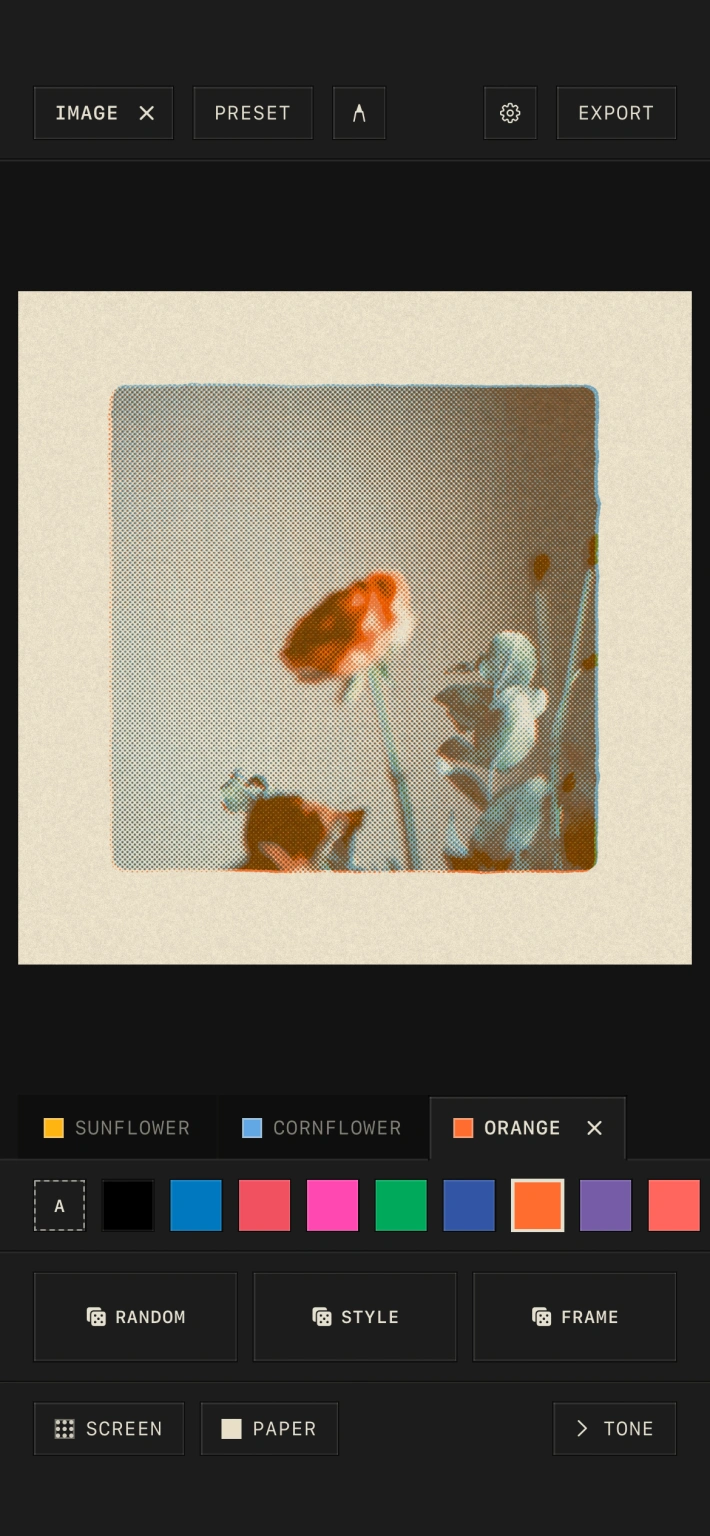
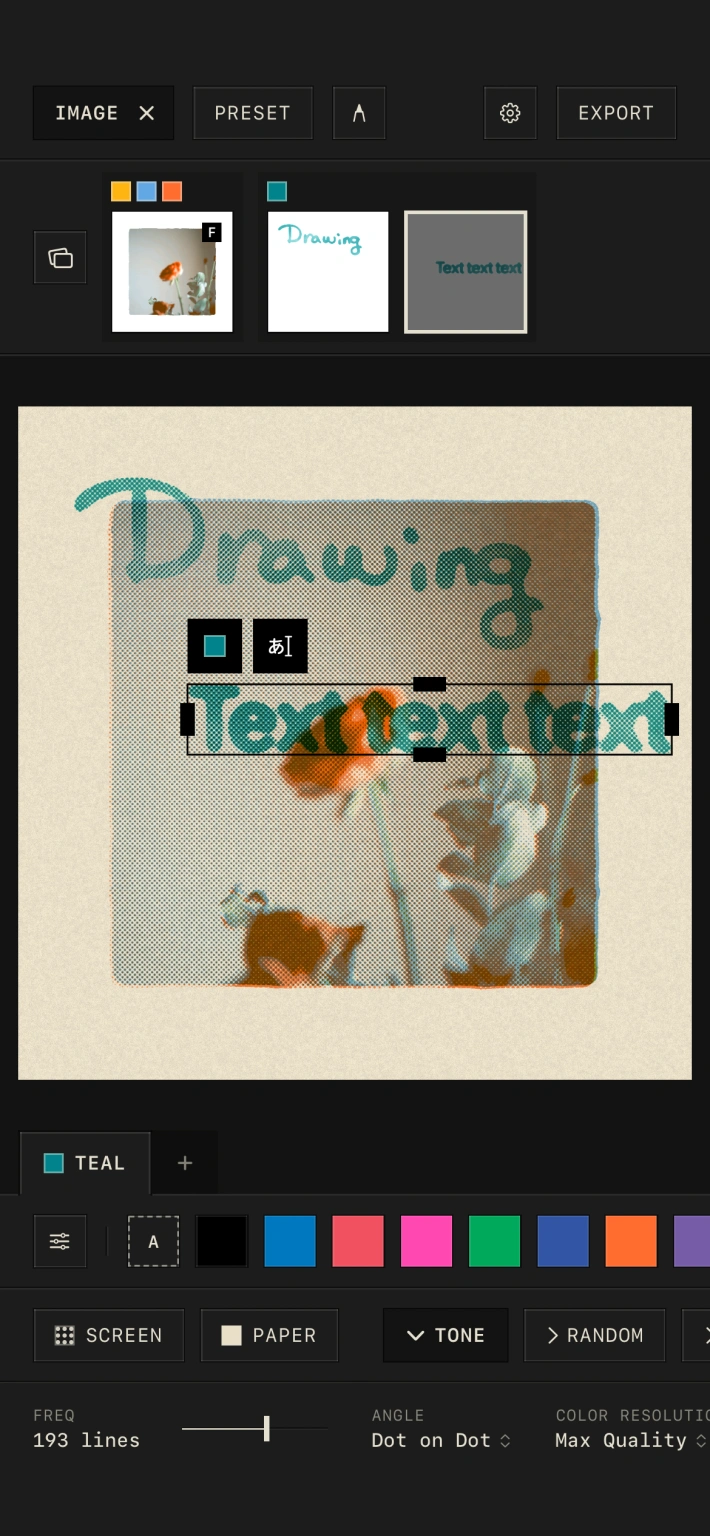
The tone Simple interface, with Image, Preset, Add Layer, Settings, and Export at the top, and ink colors, Random, Style, Frame, Screen, Paper, and Tone controls below
The tone Customize interface, showing image, drawing, and text layers, selected text controls, inks, and detailed halftone controls

Find by goal

Choose a goal to open an annotated screen showing only the controls you need.

The tone Simple interface, with Image, Preset, Add Layer, Settings, and Export at the top, and ink colors, Random, Style, Frame, Screen, Paper, and Tone controls below